
![Text generation with GPT made easy [Building AI Chatbot 1/3]](/assets/images/blogs/chat_big_title_1_thumb.webp)
Text generation with GPT made easy [Building AI Chatbot 1/3]
The use of AI-powered chatbots is increasing in popularity, largely due to advancements in language models like OpenAI's GPT. In this blog series, we'll explore how to create an AI-powered chatbot with minimal coding using pre-trained text generation models from Hugging Face.

Erik Hric
February 12, 2023
10 min read
When Hugging Face first began in 2016, it was just a chatbot for teenagers. But fast forward six years and the company has transformed into a billion-dollar enterprise, revolutionizing the natural language processing industry. From its humble beginnings as a chatbot developer, Hugging Face has grown to become a leader in the field of NLP and Machine Learning, with a wide range of pre-trained models, tools, and libraries available to developers and researchers worldwide.
The use of AI-powered chatbots is increasing in popularity, largely due to advancements in language models like OpenAI's GPT. In this blog series, we'll explore how to create an AI-powered chatbot with minimal coding using pre-trained text generation models from Hugging Face. Whether you're a developer looking to add a chatbot feature to your app or a researcher experimenting with NLP, this series will show you how to quickly and easily get started with Hugging Face's powerful tools.
Defining Key Terms
Natural Language Processing
NLP is the field of Artificial Intelligence (AI) and computer science that deals with the interaction between computers and human languages, in particular, how to program computers to process and analyze large amounts of natural language data. The goal of NLP is to develop algorithms and models that can automatically understand, interpret, and generate human language, making it possible for machines to communicate with humans in a natural and human-like way.
Applications of NLP include:
- sentiment analysis,
- text summarization,
- question answering,
- language translation,
- text-to-speech synthesis and many more.
In this series, we'll take a closer look at the first three mentioned applications using GPT-J, an open-source alternative to GPT-3.
Fine tuning
Fine-tuning is a process of adapting a pre-trained machine learning model to a specific task or dataset. It is a similar technique as transfer learning if you are familiar with that. Fine-tuning is a process during which a pre-trained model is furhter trained to become slightly adjusted and adapted to a new task. Tweaking model like this is more efficient and faster than training it from scratch. However, when the dataset for the new task is not large enough or if the resources such as high-end GPU are not available, fine-tuning may not be the best option. In such cases, other techniques like few-shot learning might save you.
Few shots learning
As you may know, GPT models are good at predicting how the text will continue based on a given context. The context can be a short or long excerpt of text, depending on the task and the specific GPT model. The models are trained to predict the next word in a sentence, based on the words that come before it and finish whole sentence or paragraph. You can effortlessly test various language model online on huggingface - GPT-JT playground. Few-shots learning heavily relies on models ability to infer task based on few provided examples. Let's get our hands dirty and test this on our local environment.
Getting started
Installing dependencies
To use the Hugging Face models, we need to install the transformers library, as well as either PyTorch or TensorFlow, depending on your preference. You can install all the necessary dependencies in a single command: pip install transformers torch (if you're using PyTorch). Keep in mind that if there is a new version of the library, it may require additional tools to be installed. We'll use jupyter notebook to mess around with the model before building API for chat frontend.
Coding
As a developer, it's important to understand the limitations of language models. While they can generate human-like text, they don't truly understand the meaning of the words. Instead, they work with numbers, which means all input and output must be encoded and decoded.
This process is relatively straightforward when working with image classification, as images can be represented as matrices of numbers. However, translating text into numbers is a bit more complex. That's where tokenizers come in.
In this part, we'll demonstrate how to use the AutoTokenizer and AutoModelForCausalLM classes to easily tokenize text and instantiate a model of our choice for natural language processing tasks.
from transformers import AutoModelForCausalLM, AutoTokenizer
Both of these classes have from_pretrained methods with one required parameter - model name from huggingface.co.
model = GPTJForCausalLM.from_pretrained("EleutherAI/gpt-j-6B", low_cpu_mem_usage=True)
tokenizer = AutoTokenizer.from_pretrained("EleutherAI/gpt-j-6B")
We will proceed with GPT-J, an open-source version of GPT-3. It is worth mentioning the option low_cpu_mem_usage=True, which reduces the amount of memory usage. Additionally, if you are not using an M1 chip, you can further optimize memory usage by setting torch_dtype=torch.float16, which uses half precision. However, it's important to note that this option was not available on M1 chips at the time this article was written.
Minimal working example
Huggingface offers option to use pipeline that encodes and decodes text for you under the hood. We considered it crucial to explain this concept. From now on, we'll be using pipelines and proceed with even less lines of code.
from transformers import pipeline

generator = pipeline('text-generation', model='gpt-2')

input_text = "Once upon a time"

results = generator(input_text, max_new_tokens=25, num_return_sequences=5)
These 4 lines of code are all you need to experiment with text generation. This will generate 5 possibilities how this text could continue. Output during our testing was this array of options:
Once upon a time ʻalasan would go to the land of his birth or he would live under the ark of the ark'
Once upon a time 《The Lord》 was saying that the man was still alive. Although the body is not as simple as someone once'
Once upon a time \xa0you just have to be the way the world works," said Paul Anderson. "When you\'re going to make the kind'
Once upon a time ????? There should be a more correct spelling than the word that the person who is in contact with them does. I can'
Once upon a time _____ went, it will return to _____ as a result of _____'s actions. The spirit of ________ has a"
You might be thinking - wait a minute, these are all 💩crap! And you would be right, we didn't tweak all parameters for the pipeline. We can out better, more natural results with a few more parameters.
Pipeline parameters
Temperature
The temperature setting influences the level of randomness in GPT's responses. A lower temperature results in more predictable, or safe, output, while a higher temperature leads to more experimental, creative or risky, output. Valid temperatures are between 0 and 1. Any body gets vibes of T.A.R.S. from interstellar settings? 🦾🤖
Top K
When GPT is trying to complete a prompt, it generates multiple potential responses and assigns probabilities to each. For example, when given the prompt "Once upon a time", it may produce "there was" with a 80% probability, "in a magical world" with a 70% probability, "far far away" with a 50% probability, and something else with a 1% probability. To select the final response, we can choose the top 1, 2, or up to 50 options with the highest probabilities, which is known as top_k selection.
Tweaked results
By experimenting with just 2 parameters we accomplish far better results:
Once upon a time, a man who had been given the name of Joseph Smith, had been sent to the city of Nauvoo for a
Once upon a time, the first time the player takes the action, they can use the action to change the target's position.\n\nAs"
Once upon a time he was not a member of a group of people but a member of a group of people. He is, in a way
Once upon a time, the world would have been a better place. But, in the end, the world was a better place.\n\n
Once upon a time, there was one man who would make the best of any situation. He would go out on a limb and say,
Outro
If you have followed all the steps without any issues, you are now ready to move on to the next part where we explore real-life applications. As for the text generation exercise, I found the fourth option to be the most interesting, as it incorporates elements from various fairy tales. I would love to hear about the best option you generated, so feel free to share your thoughts in comments.
Related Articles
![Examples of few shots learning tasks [Building AI Chatbot 2/3]](/assets/images/blogs/chat_big_title_2_thumb.webp)
Examples of few shots learning tasks [Building AI Chatbot 2/3]
The second part of a series about building an AI chatbot. Focused on few-shots learning and how to format input strings for GPT, using examples such as sentiment analysis and keyword extraction. The article also discusses text summarization and paraphrasing and suggests how to set maximum new tokens for summary length.
Feb 20, 2023
5 min read
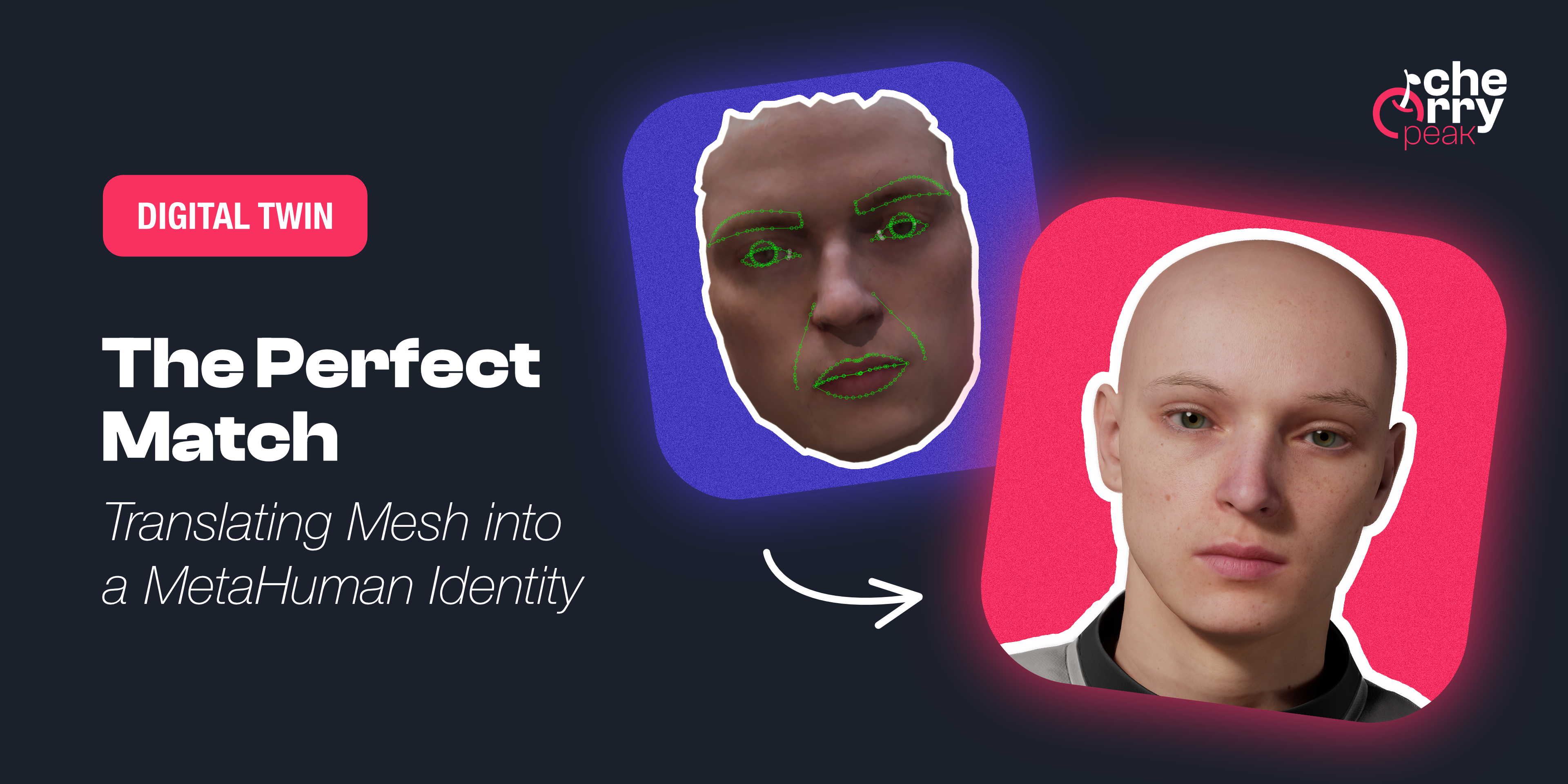
The Perfect Match: Translating Mesh into a MetaHuman Identity
Turn your raw 3D scan into a riggable MetaHuman. From trimming the mesh in Blender to Identity Solve and building the character in Unreal Engine, the face of your digital twin.
Dec 18, 2025
6 min read
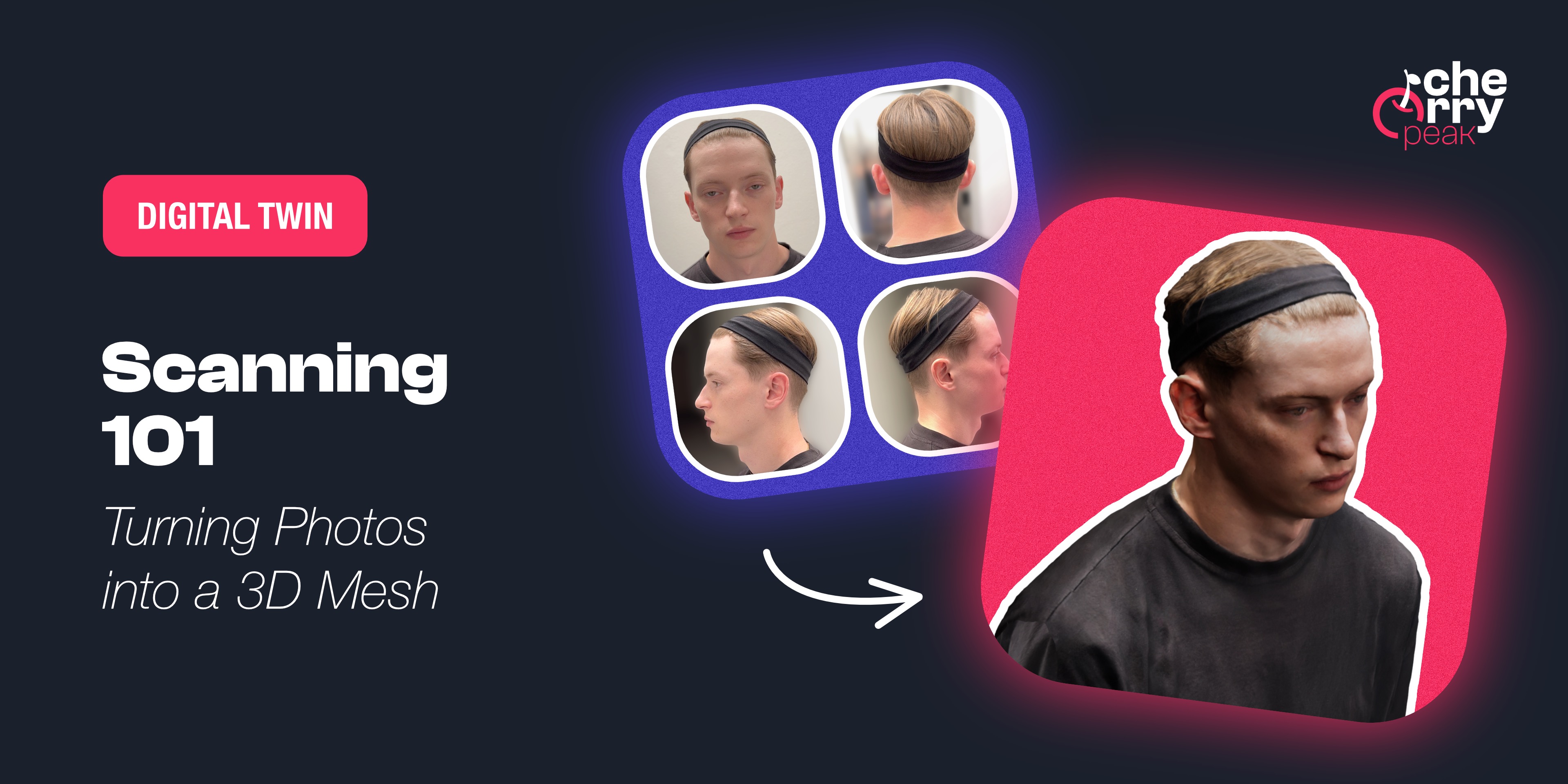
Scanning 101: Turning Photos into a 3D Mesh
Learn how to capture a high-quality 3D scan of your face using photogrammetry. From Apple's Object Capture to Polycam, discover the tools and techniques for creating the foundation of your MetaHuman.
Dec 10, 2025
4 min read